

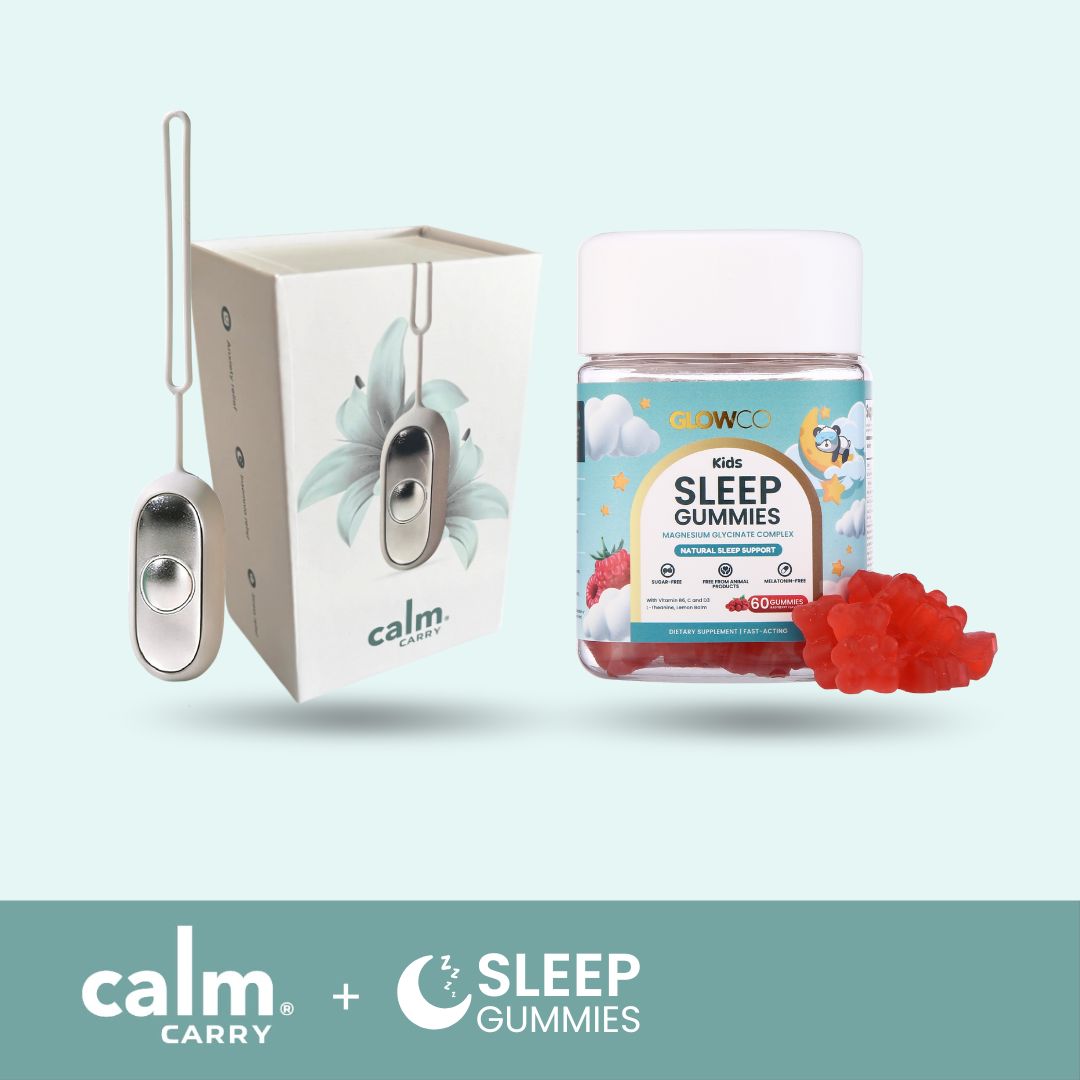
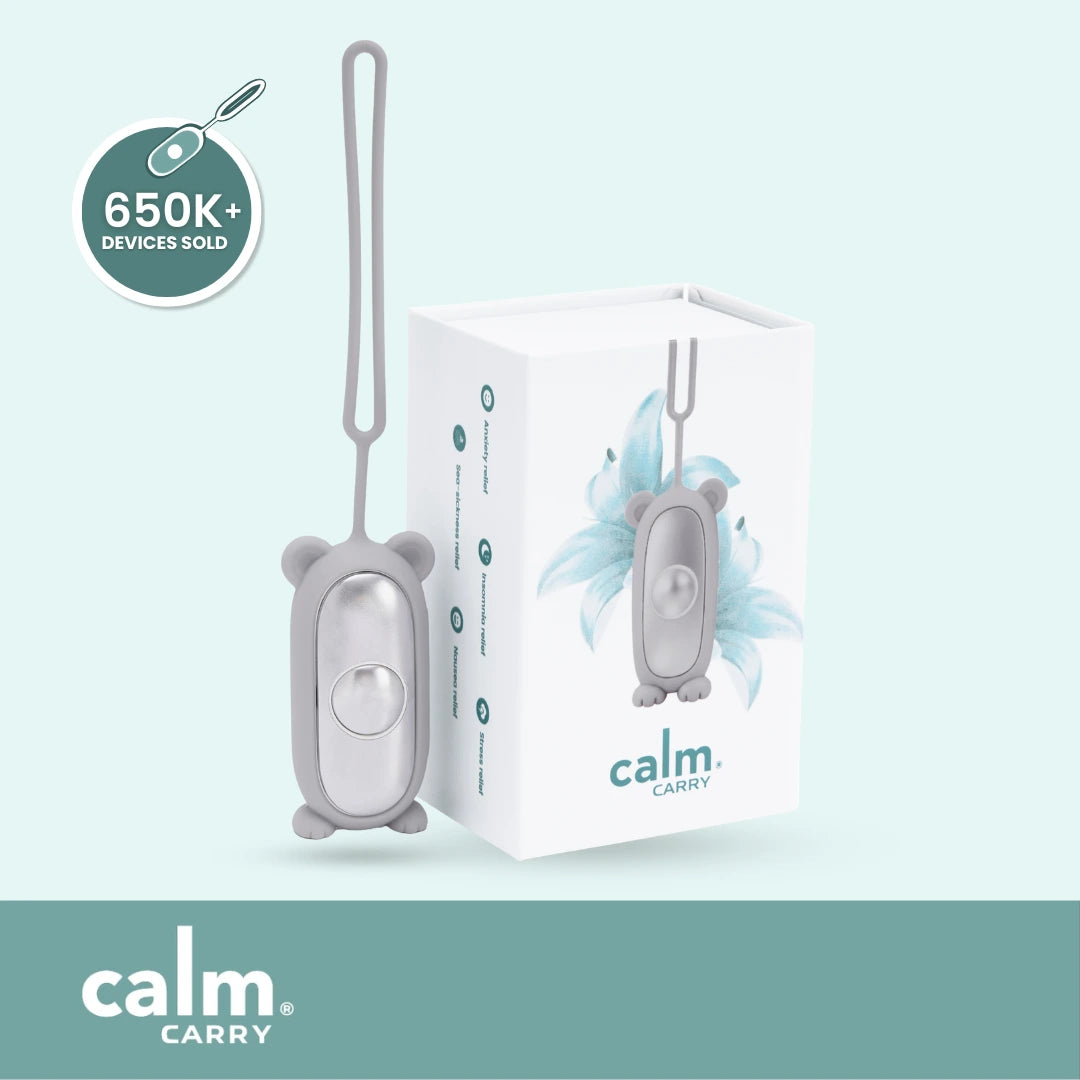




As a parent of a 7-year-old, bedtime has always been one of our biggest struggles. It used to take us 1 to 2 hours just to get him to sleep. We tried everything but results were inconsistent and left us exhausted most nights. We found CalmCarry and it's changed everything for us.


Verified customer
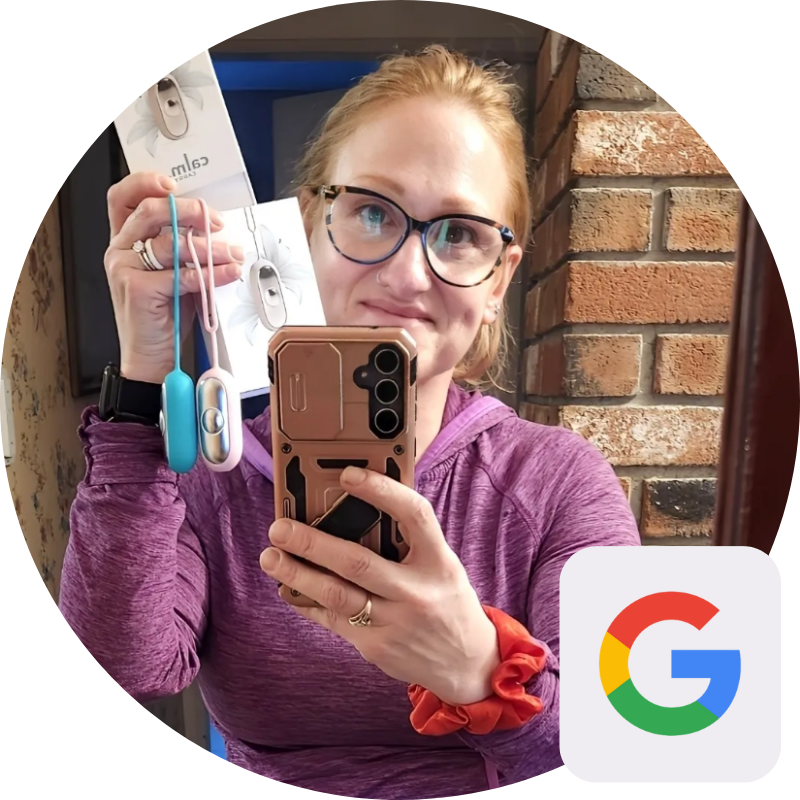
My family has used Calm Carry for 8 months. Started with my 6-year-old daughter, then tried it myself. As someone who struggles with sleep, it's been amazing - I fall asleep within minutes. Both my daughters now sleep with theirs nightly. It's pricey but worth every penny for our peace.
Verified customer
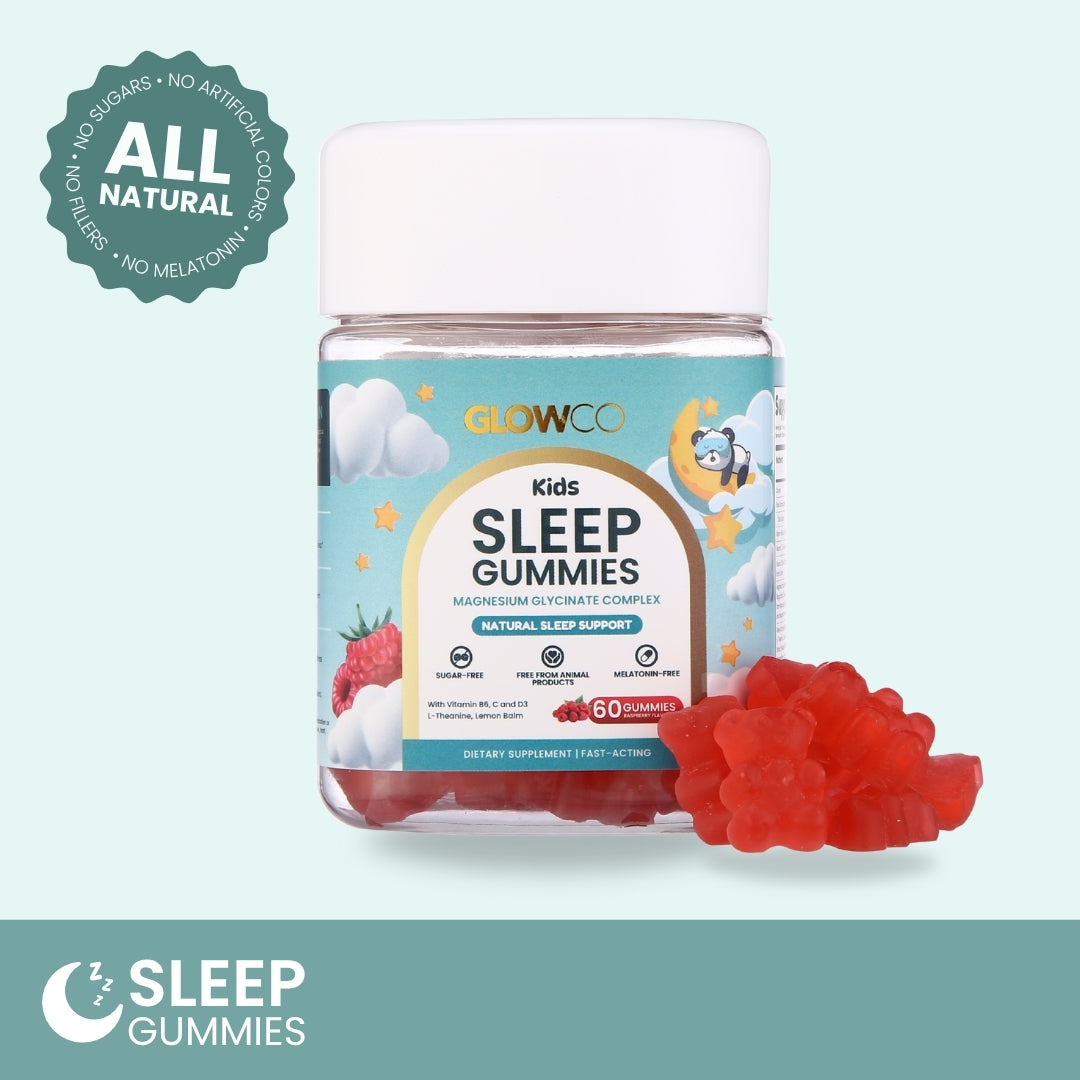
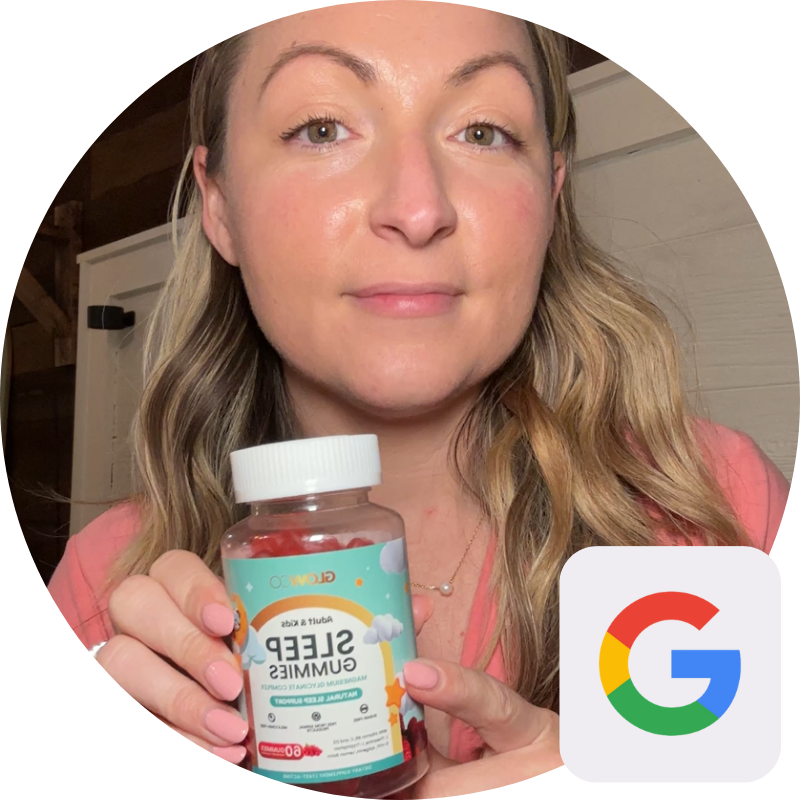
Definitely worth every penny! My son's bedtime was a complete nightmare until we tried Glowco Sleep Gummies. One gummy and he falls asleep in 15-20 minutes, sleeping soundly through the night. Mornings are so much better now. Highly recommend to other parents facing bedtime struggles.
Verified customer
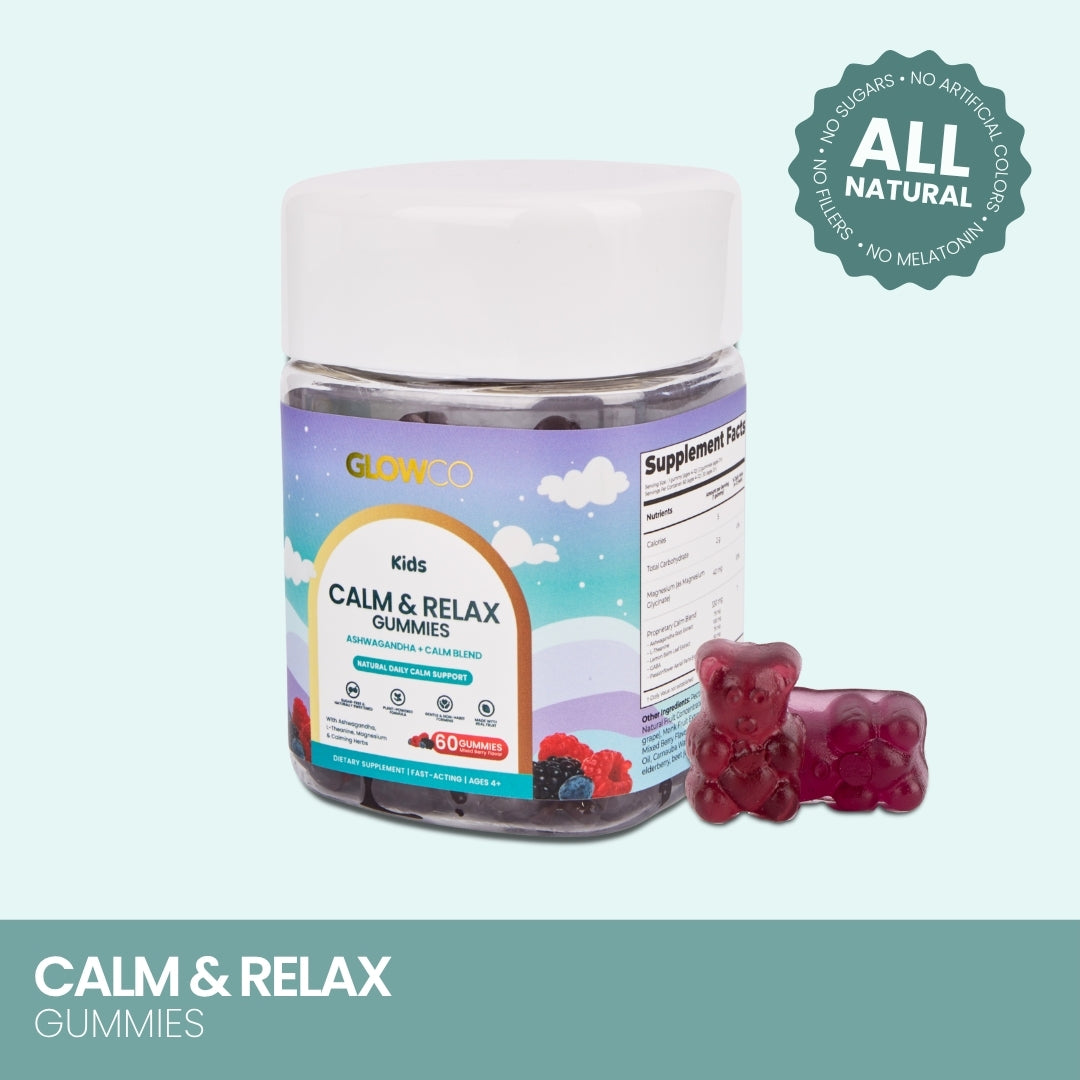
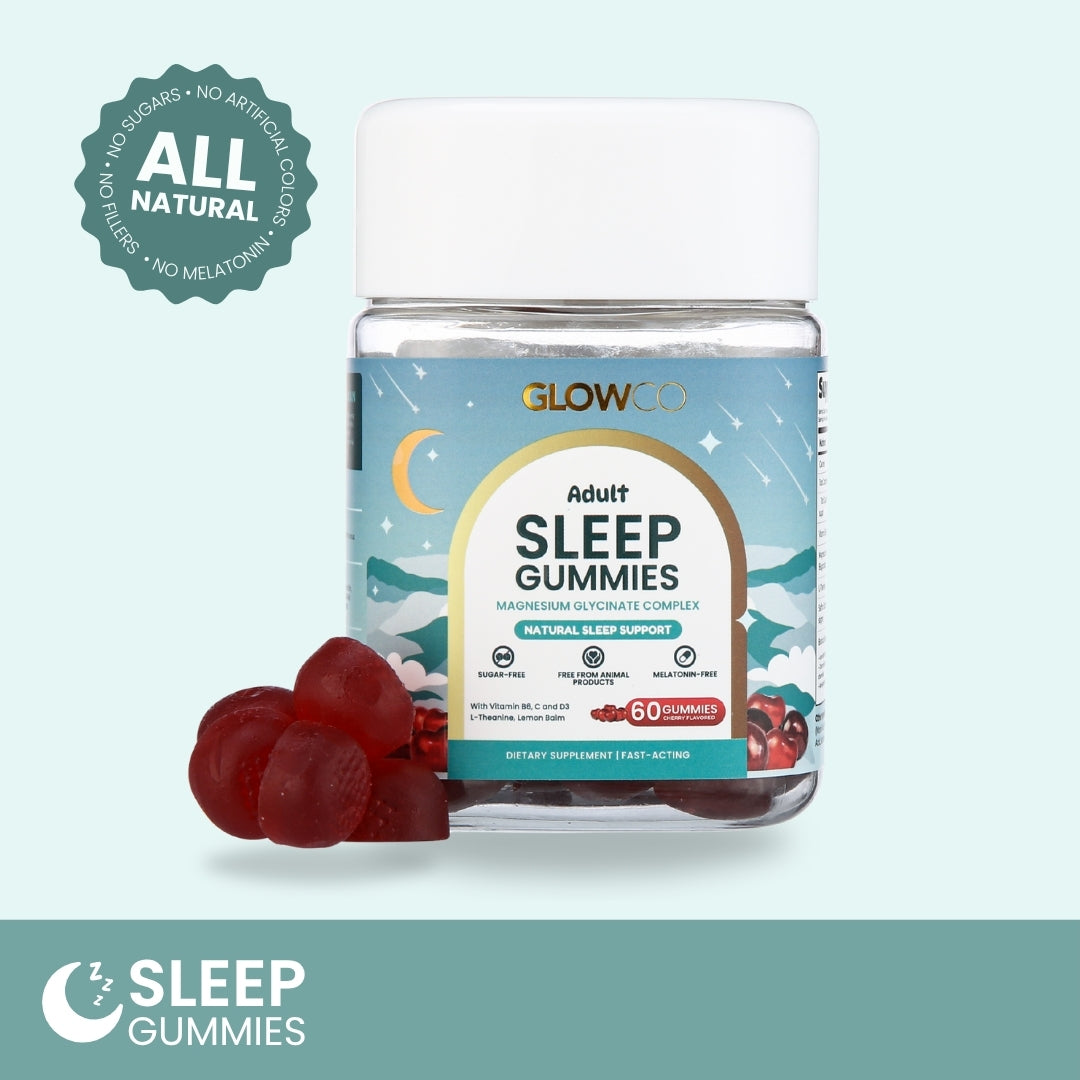
Love Glowco Gummies so much! They taste great and help my daughter sleep without any morning grogginess. The magnesium, vitamin D, and lemon balm blend works perfectly. Melatonin-free, vegan, and gluten-free. Initially thought they were pricey, but the quality makes them worth it.

Verified customer
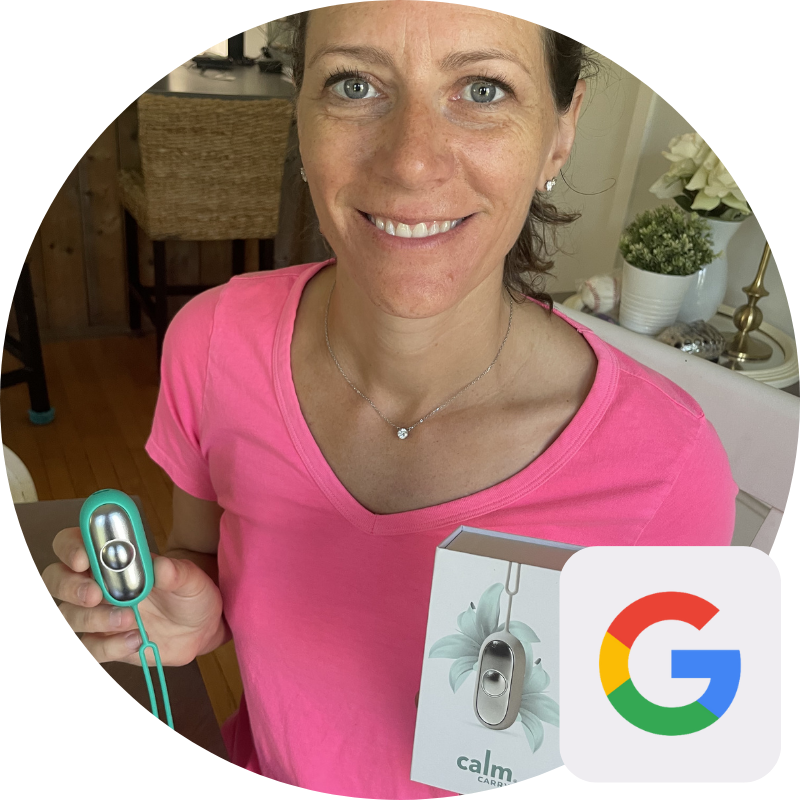
Life-changing for our 14-year-old who struggles with sleep and racing thoughts! Bedtime used to take 2 hours of tossing and turning. CalmCarry transformed it into a 30-minute routine. The adjustable settings help calm her mind. Even tried it ourselves - amazing! Highly recommend.
Verified customer


At Glowco, since 2015, our mission has been clear improving lives by helping people unwind, rest deeply, and feel calmer in everyday life.
We’re committed to natural solutions that support balance and well-being.
After more than 10 years of innovation and the trust of thousands of satisfied customers, CalmCarry and our Natural Ingredients Gummies continue to help people relax, recharge, and feel their best naturally.
Join our mailing list to receive Glowco updates, exclusive offers, and early access to new products.
You can unsubscribe at any time.
*By signing up, you agree to our terms.
